Creative Code 03 · Tool · Creative code
Glass Studio
A spatial distortion tool: fixed strips act as a mask, with the image moving inside them.
The tool
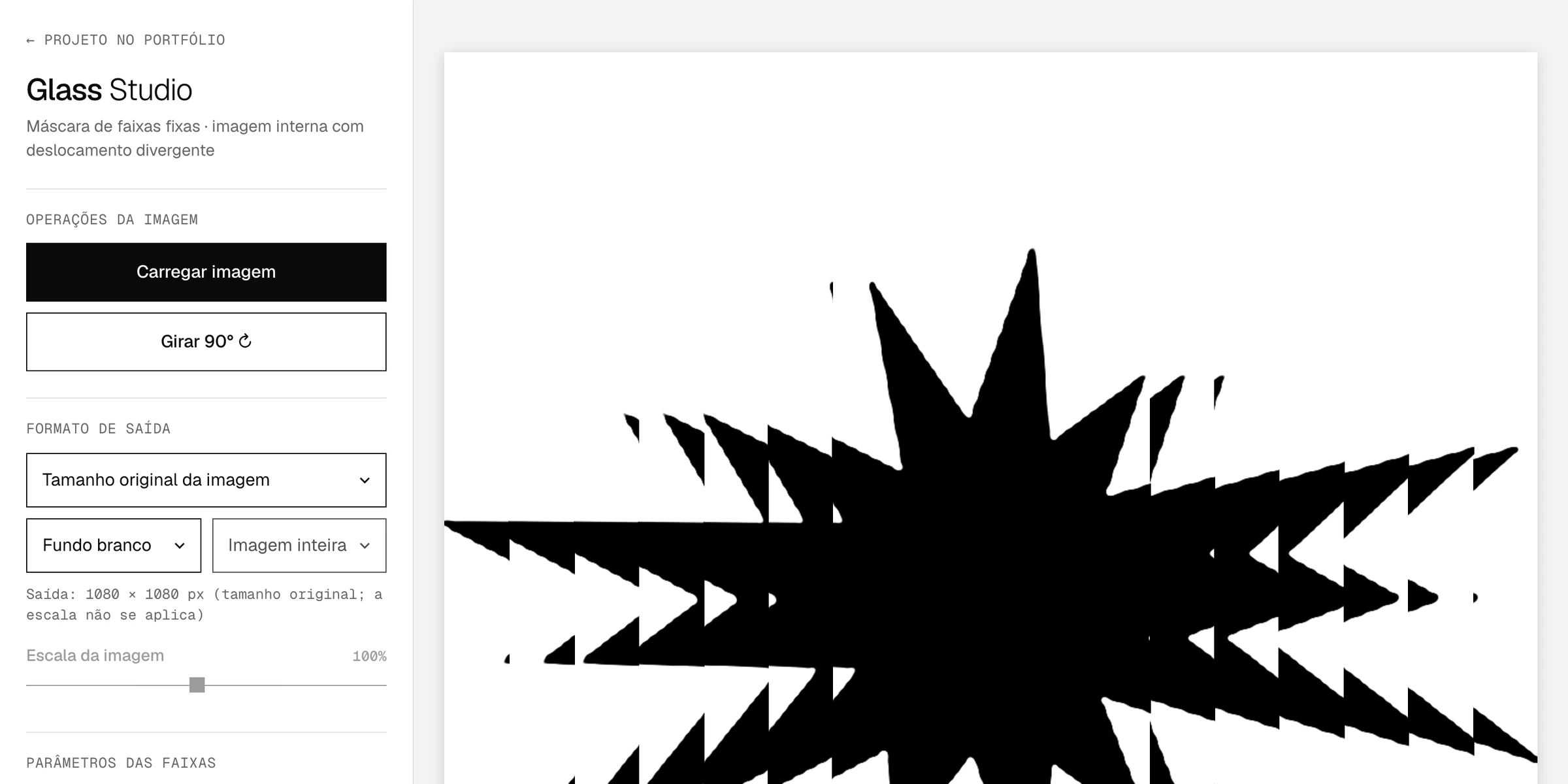
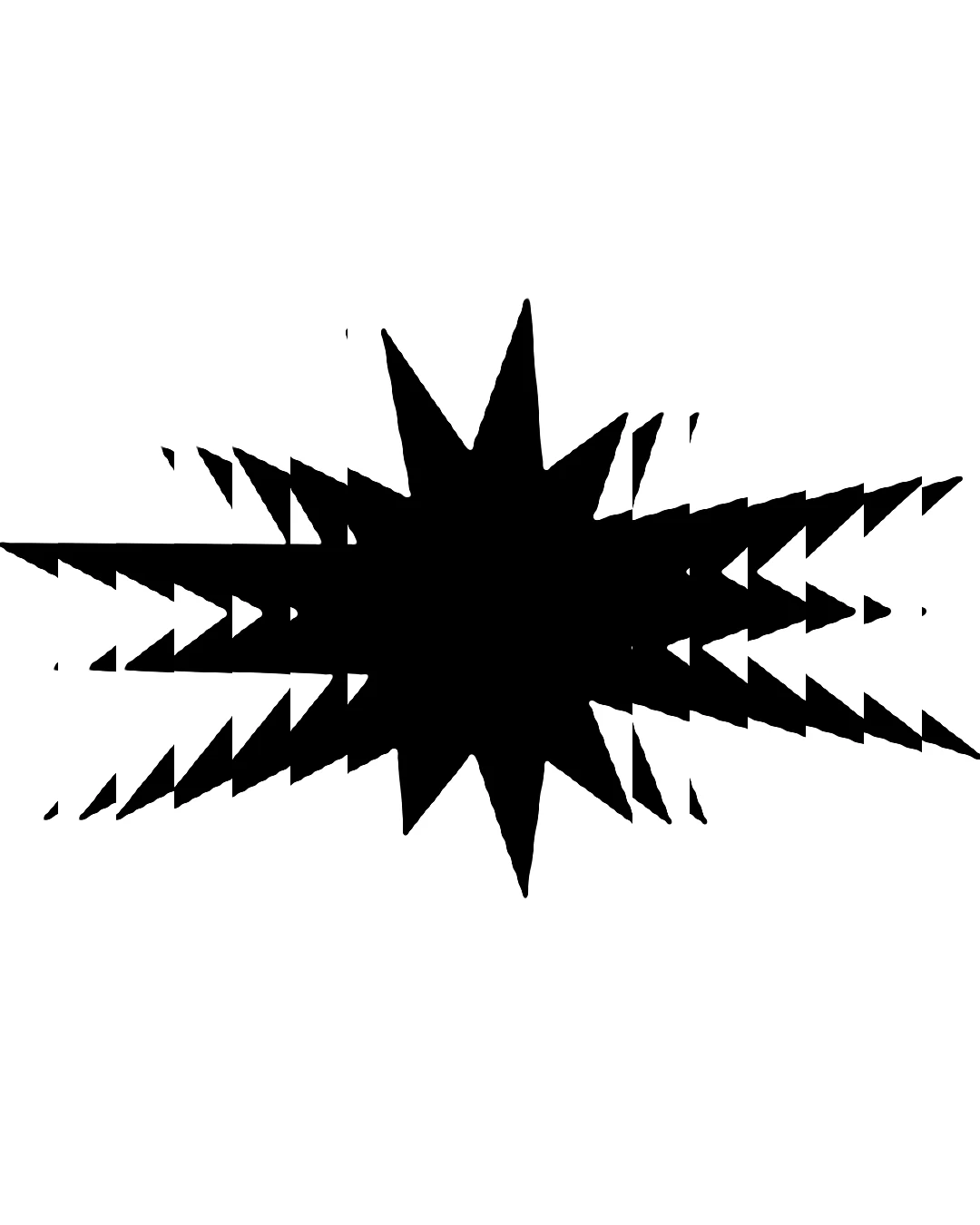
The image is cut into vertical or horizontal strips in fixed positions. Inside each strip, the image shifts from the center toward the edges, in steps of the chosen size. The farther from the center, the bigger the shift. It works best with a transparent-background PNG.
Controls
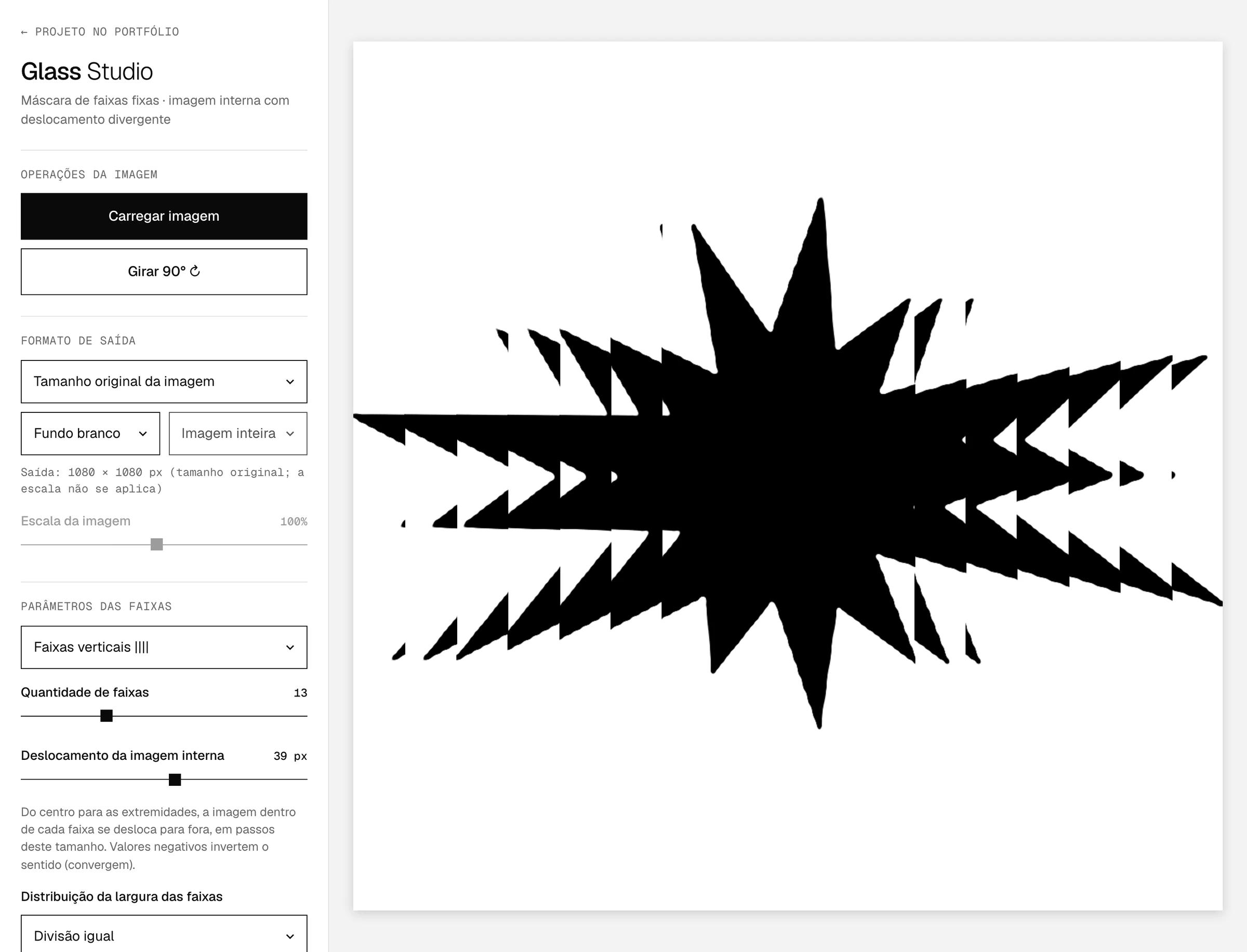
- Image
- Upload, drag, paste (⌘/Ctrl+V) or use the sample; rotate 90°
- Format
- Original, Feed 4:5, Feed 1:1, Landscape feed 1.91:1 and Stories 9:16
- Background
- White, black or transparent (PNG)
- Strips
- Vertical or horizontal, from 2 to 40, with optional spacing between them
- Shift
- Of the inner image, outward or inward (negative values)
- Width
- Equal, tapered or open split, with adjustable weight for the center strip
- Export
- PNG or JPG at the exact dimensions of the chosen format
Privacy
Everything happens in the browser. The image isn't sent to any server and the site doesn't store anything.